
Device Compatibility
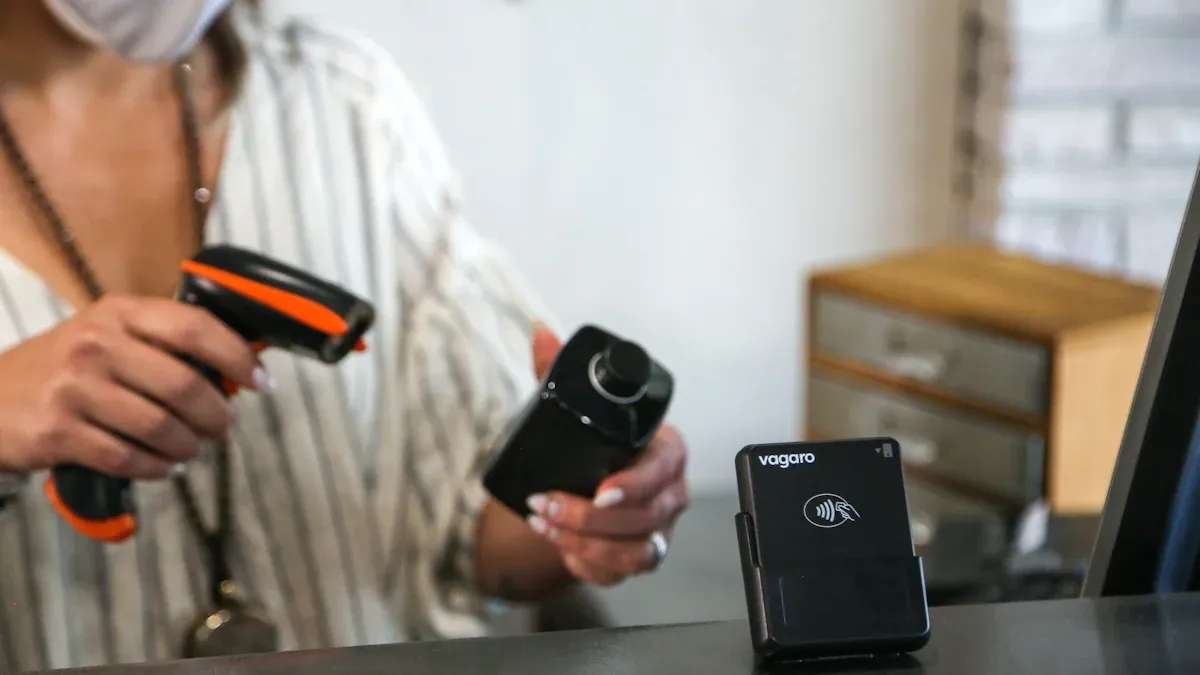
You should make sure your datamatrix reader works with your devices. Some readers scan both 1D and 2D barcodes, but not all do. Certain jobs need special barcode types. Pick a reader that can scan those types. If you work in a busy place, get a reader that scans fast. This helps you keep up with your work.
Here is a table that shows common problems and how to fix them:
|
Compatibility Issue |
Resolution |
|---|---|
|
Handling multiple symbologies |
Use readers that scan both 1D and 2D barcodes. |
|
Switching between formats |
Update your software often to support new barcode types. |
|
Specialized industry formats |
Pick readers that work with unique formats, like those in healthcare. |
|
High-volume scanning |
Choose readers built for fast, non-stop scanning. |
HeatSign’s marking machines and datamatrix reader solutions work with many systems. You can use them in factories, warehouses, or on production lines. This makes your work smooth and easy.
Software Setup
You need to set up your datamatrix reader software before scanning. Many companies use Code Barcode Readers, Scandit, Zebra, Honeywell, and Cognex. These platforms work with many barcode types. They are strong for industrial jobs.
|
Software Platform |
Key Features |
Applications |
|---|---|---|
|
Code Barcode Readers |
Reads many barcode types, works in tough settings |
Manufacturing, Track & Trace |
|
Scandit |
Enterprise support, industry compliance |
Retail, Logistics, Healthcare |
|
Zebra |
Designed for business use |
Industrial, Logistics |
|
Honeywell |
Reliable scanning solutions |
Retail, Logistics, Healthcare |
|
Cognex |
Advanced imaging and decoding |
Manufacturing, Logistics |
To get the best results, follow these steps for setup: Set the binarization mode to LOCAL_BLOCK for clear images. Turn on DPM mode if you scan direct part marks. Enable deformation resisting to read bent or stretched codes. Use image tools to clean up the barcode.
These steps help your datamatrix reader scan even hard-to-read 2d data matrix codes.
Scanning Steps
You can scan a 2d data matrix code by doing these steps: Hold the datamatrix reader steady and point it at the code. Make sure there is enough light and the code is clean. Press the scan button or trigger. Wait for the beep or signal that shows the scan worked. Check the data on your screen or device.
Tip: Always keep a clear space, called a Quiet Zone, around the barcode. This space should be at least 10 times the width of the smallest bar or cell. This helps the reader find and scan the code faster.
People sometimes make mistakes when scanning. Here are some common errors and how to avoid them: Using the wrong barcode type. Always check that your code matches the reader’s settings. Not leaving enough space around the code. Make sure the Quiet Zone is clear. Making the code too small or too dense. Test your codes with real scanners. Using low contrast or the wrong colors. Black on white works best.
HeatSign’s marking machines make clear, lasting marks that are easy to scan. You can trust these machines for good product tracking and traceability.